






Your audio stays in this browser. No login needed. Convert to MIDI

Mp3 to Midi

Free Converter

Convert MIDI to M4A Online

Convert MIDI into 192 kbps AAC audio inside an M4A container, optimized with faststart for seamless playback on Apple and mobile devices.

Convert MIDI to M4A Online

Click to upload a .mid file

Standard MIDI format (Format 0 or 1)

Don't have a MIDI file? Convert audio to MIDI first →

Auto-detected from MIDI file. Adjust if needed.

AAC audio in an M4A container for Apple and mobile playback. This audio format is encoded directly in your browser with no audio upload required.

MIDI to M4A Format Notes

M4A/AAC is a practical choice for mobile playback and smaller files with good quality.

How It Works

Upload MIDI File
Step 1

Upload MIDI File

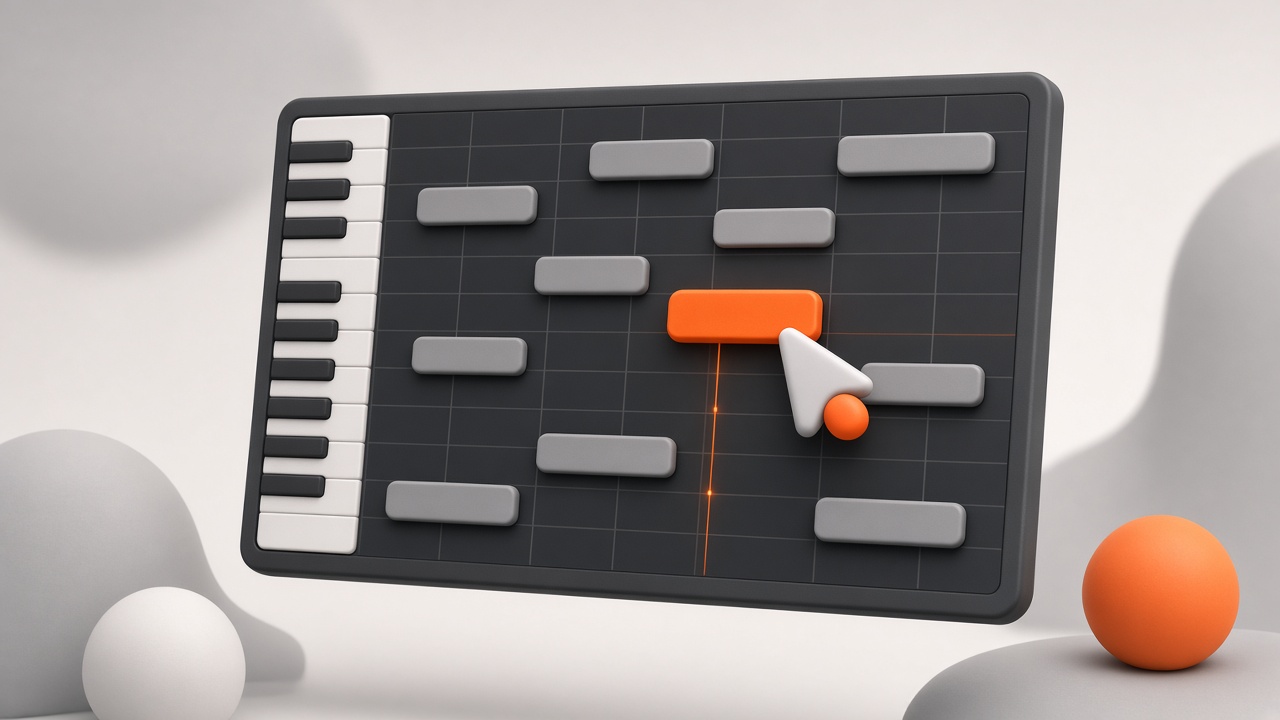
Select a standard MIDI file (.mid or .midi) from your device. We support both Format 0 (single track) and Format 1 (multi-track) files.

Choose Instrument Sound
Step 2

Choose Instrument Sound

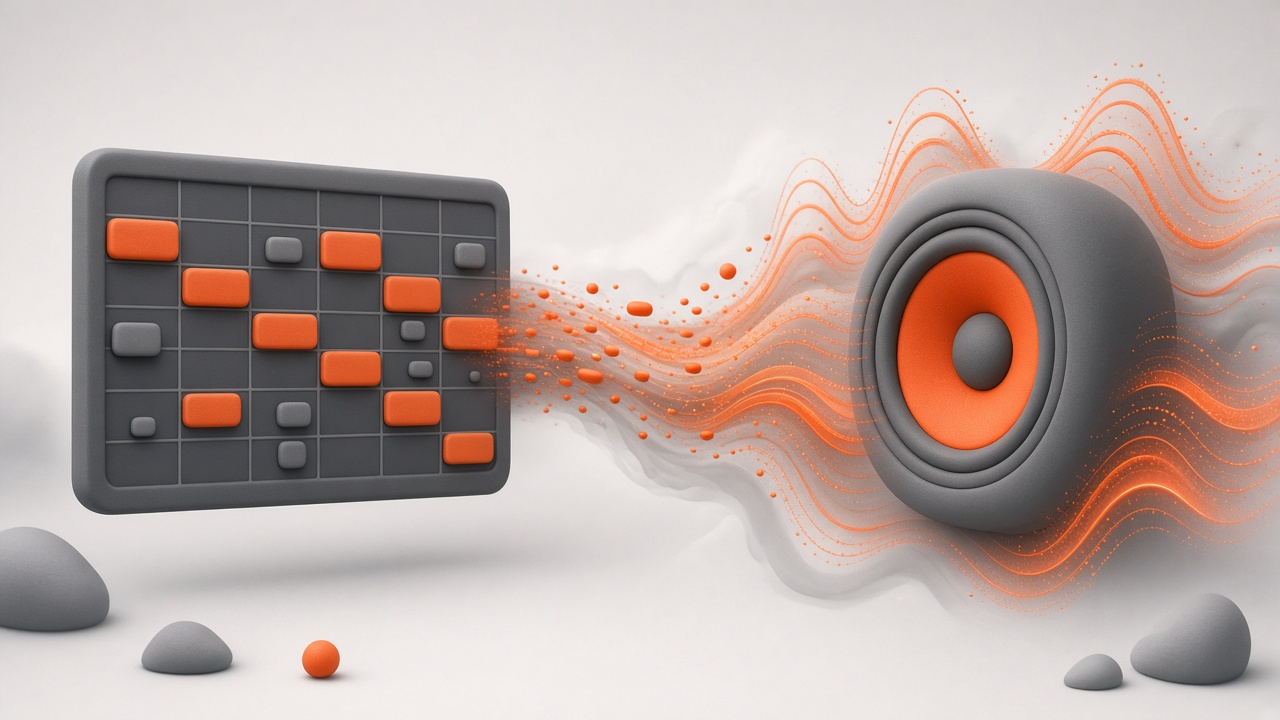
Pick from piano, synth, or FM electric piano. Adjust the tempo if needed. Everything runs in your browser — no uploads.

Download Audio
Step 3

Download Audio

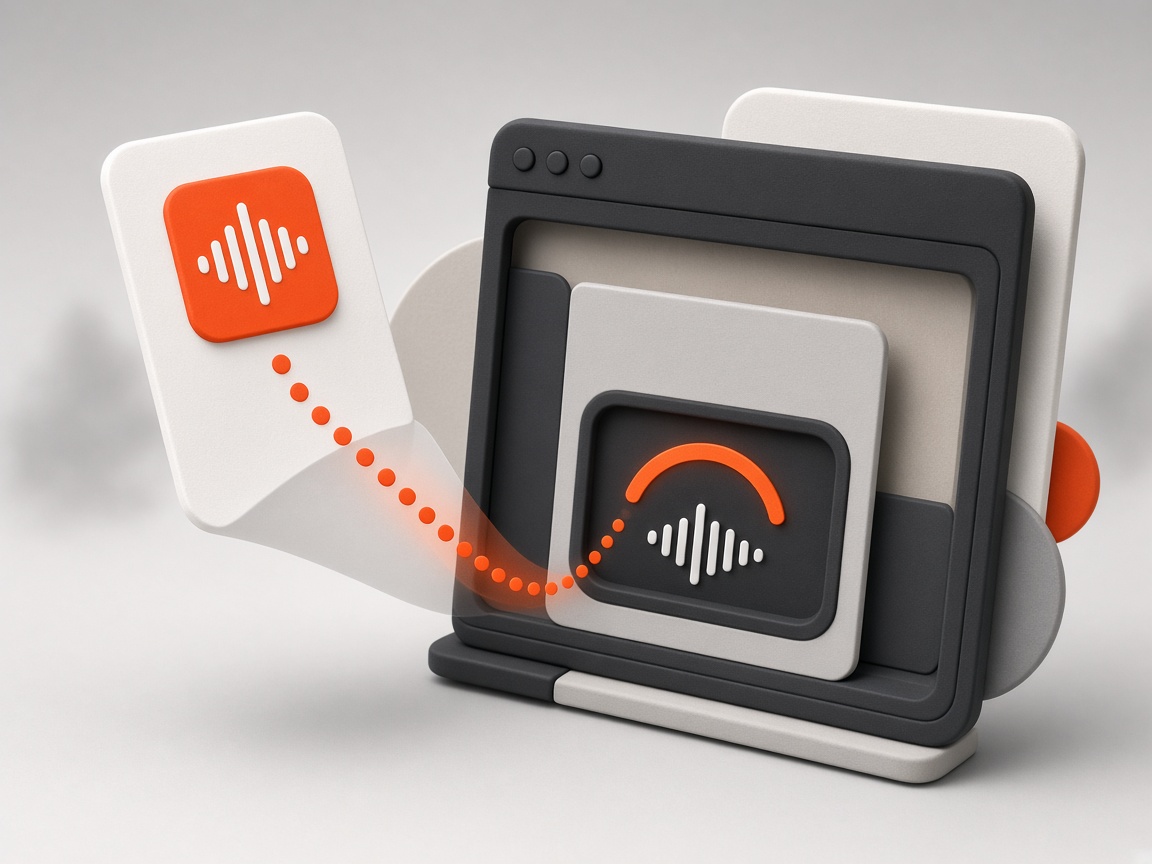
Preview the completed audio, then download the selected real output format with the correct file extension and MIME type.

MIDI format converters

Use these internal format pages when you want a page focused on a specific export target. The converter itself still supports every output format from the Output Format menu, so you can stay on this page and export MP3, WAV, FLAC, OGG, M4A, WEBM, AIFF, WMA, or ALAC.

Example Output

BPM & Key Detection

Input

sample-track.mp3

3.2 MB · MP3 · 0:45

Output

128BPM
A Minor

Chord Progression

AmFCGAm

847 notes detected

Confidence94%

MP3 to MIDI

Input

guitar-riff.wav

5.1 MB · WAV · 0:32

Output

64 notes

C4–G5 · 0:32 · Type 0 MIDI

Confidence91%

Chord Detection

Input

rehearsal.m4a

2.4 MB · M4A · 1:12

Output

Chord Progression

DmGCAmFGC

C Major

7 chords · 1:12

Confidence88%

Stem Splitter

Input

full-mix.wav

18.6 MB · WAV · 2:08

Output

Vocals86%
Drums74%
Bass62%
Guitar58%
Piano44%
Other70%

6 isolated stems ready for real-time preview, solo playback, and high-fidelity export.

Audio to Sheet Music

Input

piano-etude.wav

4.8 MB · WAV · 0:58

Output

MusicXML · 24 bars · treble & bass

Confidence90%

MIDI to Audio

Input

melody.mid

12 KB · MIDI · 0:41

Output

WAV render

Piano · 44.1 kHz · 0:41

Confidence96%

Features

Everything you need to convert MIDI files into audio.

100% Private

MIDI parsing, WAV synthesis, and format encoding stay entirely in your browser without uploading your audio.

Fast Rendering

Powered by the Web Audio API for quick offline rendering. Short MIDI files render in seconds.

Multiple Instruments

Choose between warm piano, bright synth, or classic FM electric piano sounds for your output.

Accurate Playback

MIDI timing, velocity, and pitch are faithfully reproduced. Auto-detected BPM from your MIDI file.

Works Everywhere

Use it on any modern browser — Chrome, Firefox, Safari, Edge — on desktop or mobile.

High-Quality Output

Export authentic WAV, MP3, FLAC, OGG, M4A, WEBM, AIFF, WMA, or ALAC audio files whenever supported by this browser encoder.

Who Uses MIDI to M4A?

From film composers to app developers, thousands of creators rely on our MIDI converter every day.

Film Composers

Render MIDI mockups to audio for client previews and director approvals without opening a full DAW session.

Music Teachers

Create audio examples from MIDI lesson files to share with students who do not have notation software installed.

Content Creators

Convert MIDI sequences into royalty-free audio tracks for YouTube videos, podcasts, and social media content.

Game Developers

Prototype game soundtrack ideas by converting MIDI compositions to audio files for playtesting and iteration.

Live Performers

Generate backing tracks from MIDI arrangements for rehearsal and live performance playback.

App Developers

Batch render MIDI files to audio formats for integration into mobile apps, web platforms, and interactive media.

Trusted by Music Creators

“Quick way to hear how my MIDI arrangements sound with different instruments before committing to a DAW session.”

Wang L.

Wang L.

Producer, Shanghai

“I render MIDI drafts to audio for client previews. This tool makes the process instant.”

Julia K.

Julia K.

Film Scorer, Berlin

“The FM synth preset sounds surprisingly good. Great for quick demos and ideas.”

Raj P.

Raj P.

Bedroom Producer, Delhi

“I convert MIDI drafts to MP3 for director meetings. It is fast, free, and the output quality is perfect for early reviews.”

Maria S.

Maria S.

Film Scorer, Los Angeles

“My students can listen to MIDI exercises as audio without needing any special software. A real time-saver for remote lessons.”

Kenji T.

Kenji T.

Music Teacher, Tokyo

“I generate backing tracks from MIDI arrangements for live gigs. The tempo control feature is a lifesaver during rehearsal.”

Lena F.

Lena F.

Live Performer, Amsterdam

Why Convert MIDI to Audio?

Why Convert MIDI to Audio?

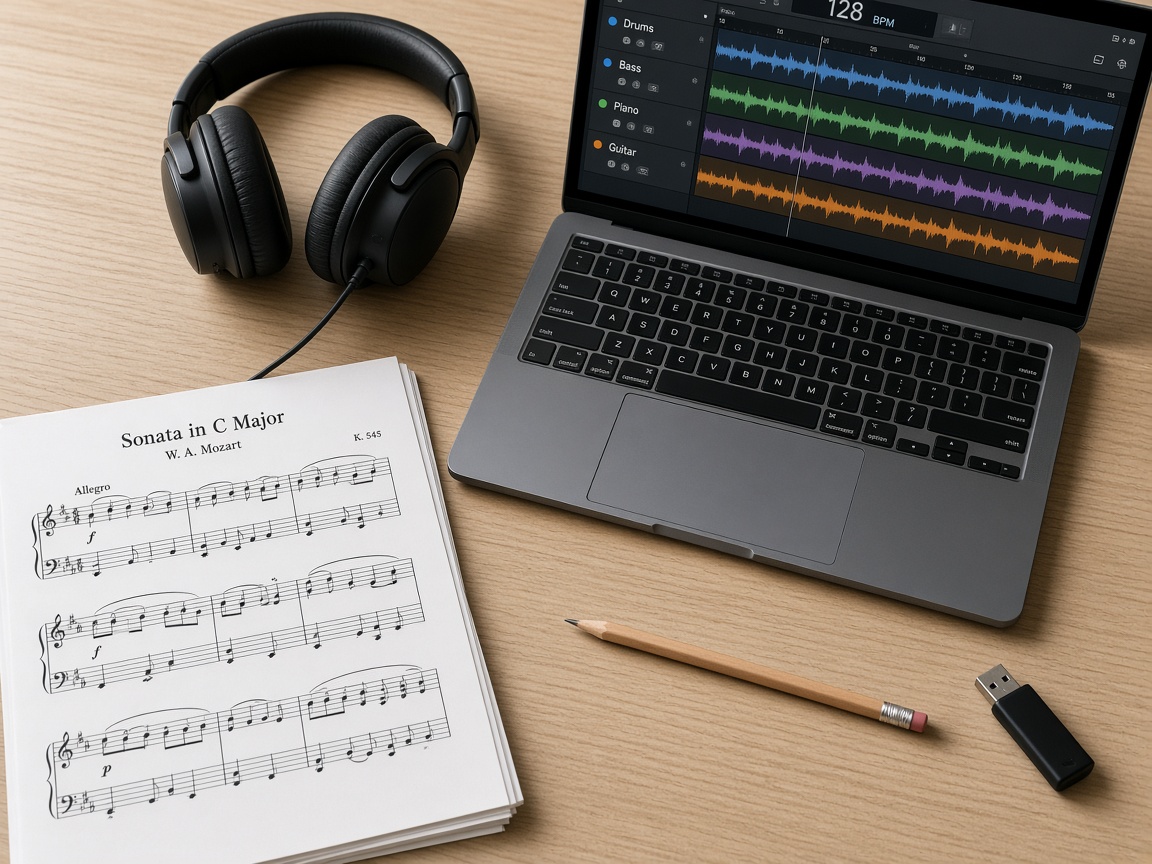
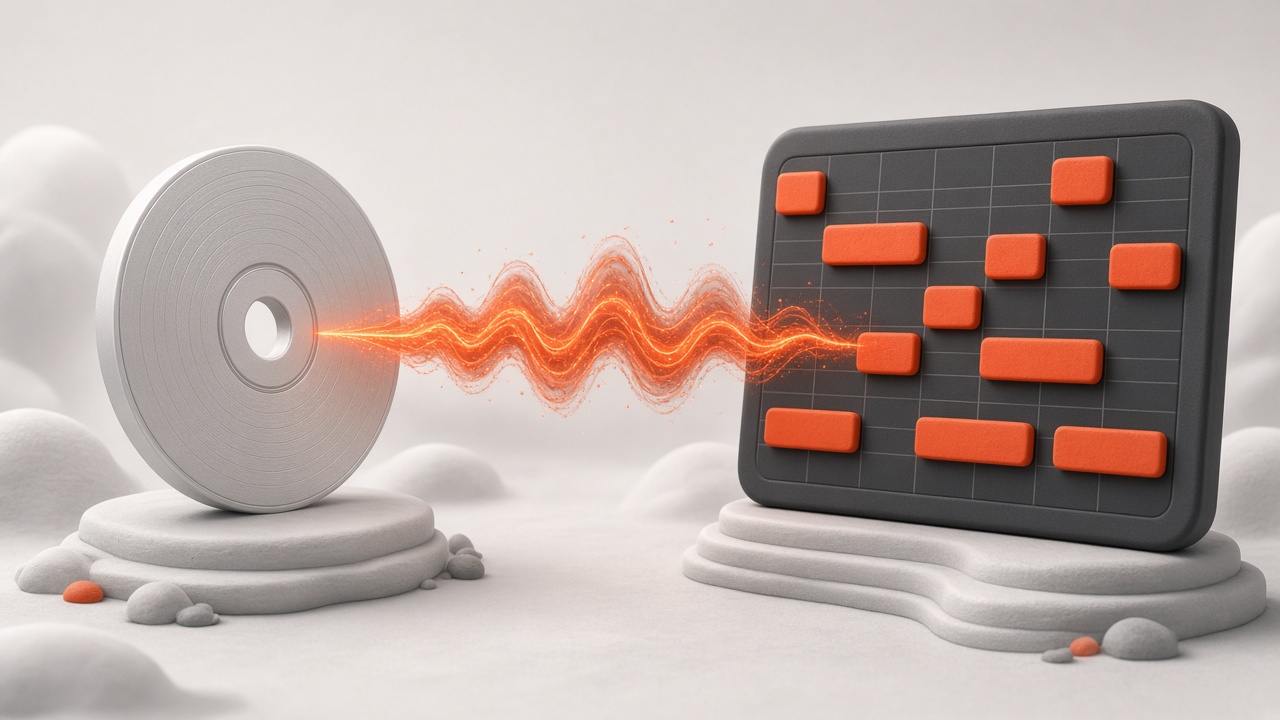
MIDI files are incredibly powerful for music production. They store note data — pitch, velocity, timing, and duration — in a compact format that can be edited and rearranged with ease. However, MIDI files do not contain actual audio. They are essentially digital sheet music: instructions for an instrument to play, but no sound on their own. To share your MIDI compositions as listenable audio files, you need to convert them to a format like WAV or MP3.
Why Convert MIDI to Audio?

Our free online MIDI to audio converter makes this process simple and accessible. Upload any standard MIDI file, choose from three high-quality instrument sounds — warm piano, bright synthesizer, or classic FM electric piano — and render your composition into a downloadable WAV audio file. The entire process runs in your browser using the Web Audio API, which means your files never leave your device. There is nothing to install, no account to create, and no watermarks on your output.

How Does MIDI Rendering Work?

How Does MIDI Rendering Work?

When you upload a MIDI file, our converter parses the binary data and extracts note events — pitch, velocity, duration, and timing. The Web Audio API then schedules oscillator nodes at precise intervals, creating a faithful reproduction of the original MIDI performance. Three instrument presets are available: piano uses warm triangle waves, synth uses bright sawtooth waves, and FM uses sine waves with frequency modulation for a Rhodes-like electric piano tone. Velocity data controls the volume of each note, preserving the dynamic expression of the original composition. The entire rendering pipeline runs offline in your browser — no audio data is ever sent to a server.

Supported Output Formats

Supported Output Formats

Convert MIDI into nine distinct audio formats entirely within your browser. High-fidelity uncompressed WAV is generated directly via the Web Audio API without using ffmpeg. For MP3, FLAC, OGG, M4A, WEBM, AIFF, WMA, and ALAC, your browser downloads a single-thread ffmpeg WebAssembly encoder package once (about 32 MB) and stores it in local cache for immediate reuse. All subsequent conversions run locally on your device, producing authentic audio files with standard MIME types and matching file extensions. If an optional codec such as WMA or ALAC is unavailable in this WebAssembly package, the tool reports a clean conversion error rather than returning an invalid file.

Why Convert MIDI to Audio?

This tool is perfect for musicians who want to quickly preview how a MIDI arrangement sounds without opening a DAW, content creators who need royalty-free background music from MIDI sequences, educators demonstrating music theory concepts, or developers building music applications. The auto-detected BPM from your MIDI file ensures accurate tempo reproduction, and the adjustable tempo slider lets you speed up or slow down the output as needed.

Tips for Best MIDI to Audio Results

Tips for Best MIDI to Audio Results

For the highest quality output, start with a well-structured MIDI file — Format 1 (multi-track) files work best. Verify the auto-detected BPM matches your intent and adjust the tempo slider if needed. Choose the piano instrument for classical pieces, synth for electronic music, and FM for jazz or lo-fi styles. If you need the smallest file size, export to MP3 or OGG. For lossless archiving, choose FLAC or WAV. Always preview the rendered audio before downloading to confirm the instrument sound and tempo match your expectations.

Why Convert MIDI to Audio?

Whether you are working on a film score, preparing backing tracks for live performance, or simply want to listen to a MIDI file on your phone, our MIDI to MP3 converter provides a fast, free, and private solution. The output WAV files are 44.1 kHz stereo — the same sample rate used in professional audio production — ensuring your audio sounds crisp and clear on any playback system.

Frequently Asked Questions

What MIDI files are supported?

We support Standard MIDI Files (SMF) in both Format 0 (single track) and Format 1 (multi-track). Files with .mid or .midi extensions are accepted. For Format 1 files, notes from the first track are used.

Can I convert MIDI to MP3 format?

Yes. You can convert MIDI directly to MP3 in your browser. The tool renders your MIDI to audio and encodes it into a 192 kbps MP3 file using an in-browser WebAssembly encoder, keeping your files completely on your device.

Is my MIDI file uploaded to a server?

No. Your MIDI file is never uploaded. Audio playback, synthesis, and format encoding occur entirely inside your browser on your own device.

Why does the audio sound different from my DAW?

Our converter uses synthesized waveforms (oscillators) rather than sampled instruments like a DAW with a VST plugin. The piano uses triangle waves, the synth uses sawtooth waves, and FM uses sine waves with modulation. The result approximates the MIDI playback but will differ from professional instrument libraries.

What instrument sounds are available?

Three instrument types: Piano (warm triangle-wave sound), Synth (bright sawtooth-wave synthesizer), and FM (sine-wave with frequency modulation, similar to a Rhodes electric piano). Each faithfully reproduces MIDI note timing and velocity.

How long can the MIDI file be?

There is no strict file size limit, but very long or note-dense MIDI files may take longer to render. For best performance, we recommend files under 5 minutes. The rendering time depends on the number of simultaneous notes and the total duration.

What's the difference between WAV and MP3 output?

WAV provides uncompressed, lossless audio rendered immediately by the Web Audio API without extra downloads. MP3 compresses the audio into a 192 kbps file encoded directly in your browser, offering a smaller file size for easy sharing.

Can I change the tempo before rendering?

Yes, you can set the BPM before rendering. The tool will adjust note timing accordingly. Default is 120 BPM if no tempo information is found in the MIDI file.

What is the difference between WAV and MP3 quality?

WAV is an uncompressed format that preserves every detail of the rendered audio at 44.1 kHz stereo. MP3 uses lossy compression to reduce file size by removing frequencies less perceptible to human hearing. For most listeners, the quality difference is minimal. Choose WAV for editing or archiving, and MP3 for sharing and portable playback.

Can I batch convert multiple MIDI files?

Yes, you can process multiple files one after another on the same page. Upload the first file, render and download the audio, then click Reset to start the next file. There is no limit on the number of files you can convert.

How do I change the instrument sound?

Use the Instrument Selector above the render button to choose between Piano (warm triangle waves), Synth (bright sawtooth waves), or FM (sine waves with frequency modulation). Each instrument applies different waveform synthesis to the same MIDI data, giving you distinct tonal options without changing the MIDI file itself.

What MIDI features are supported?

The converter reads note-on and note-off events, velocity (volume per note), and tempo (BPM) from standard MIDI files. Format 0 (single track) and Format 1 (multi-track) are both supported. For Format 1 files, notes from the first track are used. Control changes, program changes, and SysEx messages are not currently rendered.

Need MIDI? Convert your audio to MIDI

Have an audio file instead? Turn your MP3, WAV, or any audio into editable MIDI notes with our AI-powered converter.

Convert Audio to MIDI
Convert MIDI to M4A Online | AAC Audio Export