




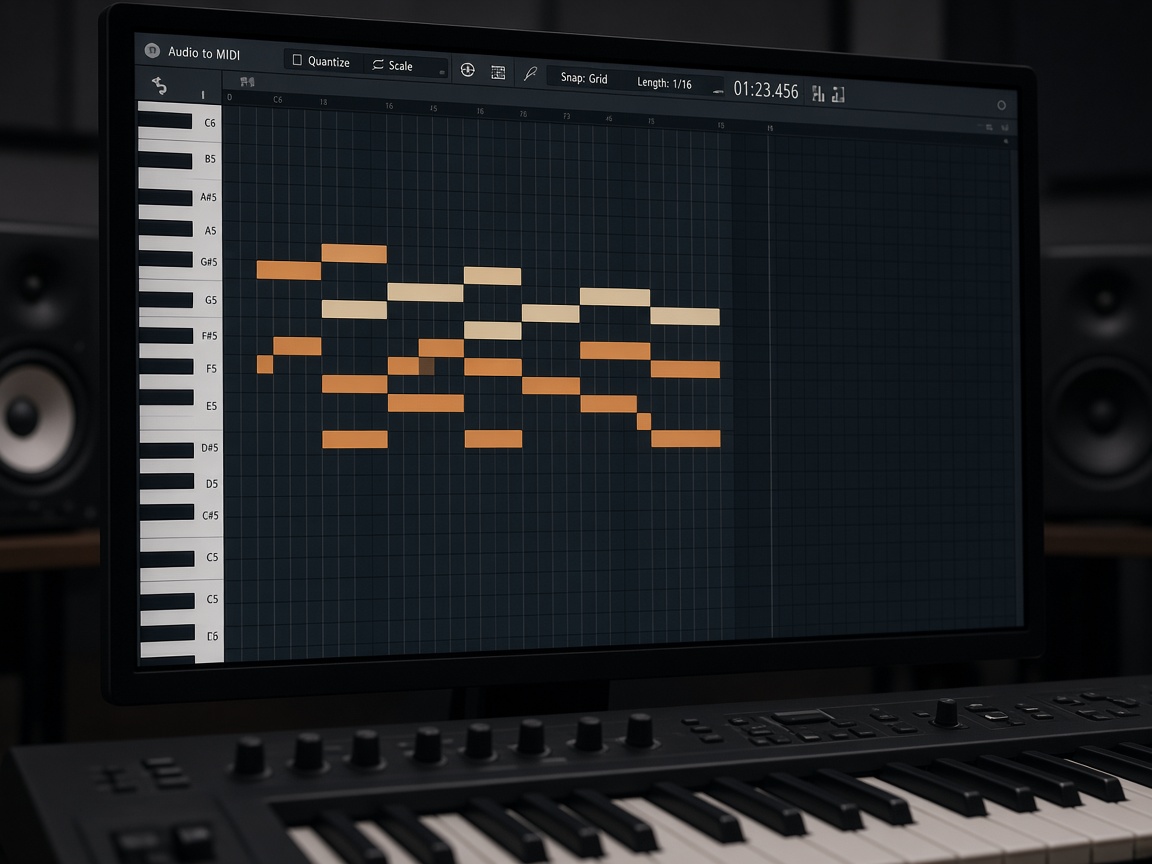
Your audio stays in this browser. No login needed. Convert to MIDI

Mp3 to Midi

Browser MIDI editor

Edit MIDI Notes Online Free

Open a MIDI file or continue from MP3 to MIDI. Click a note, change pitch and timing, then download the edited file.

Edit MIDI Notes Online Free

Editing stays in this browser. Download or save your result before leaving; saving to the library uploads that result.

Format 0/1 files with musical tick timing are supported. Overlapping notes of the same pitch on the same channel and track are not supported.

Note grid

No file open

Open a .mid file, or continue from audio transcription, and the notes appear here.

How It Works

Open MIDI
Step 1

Open MIDI

Drop a .mid file, or choose Edit these notes after converting audio.

Edit notes
Step 2

Edit notes

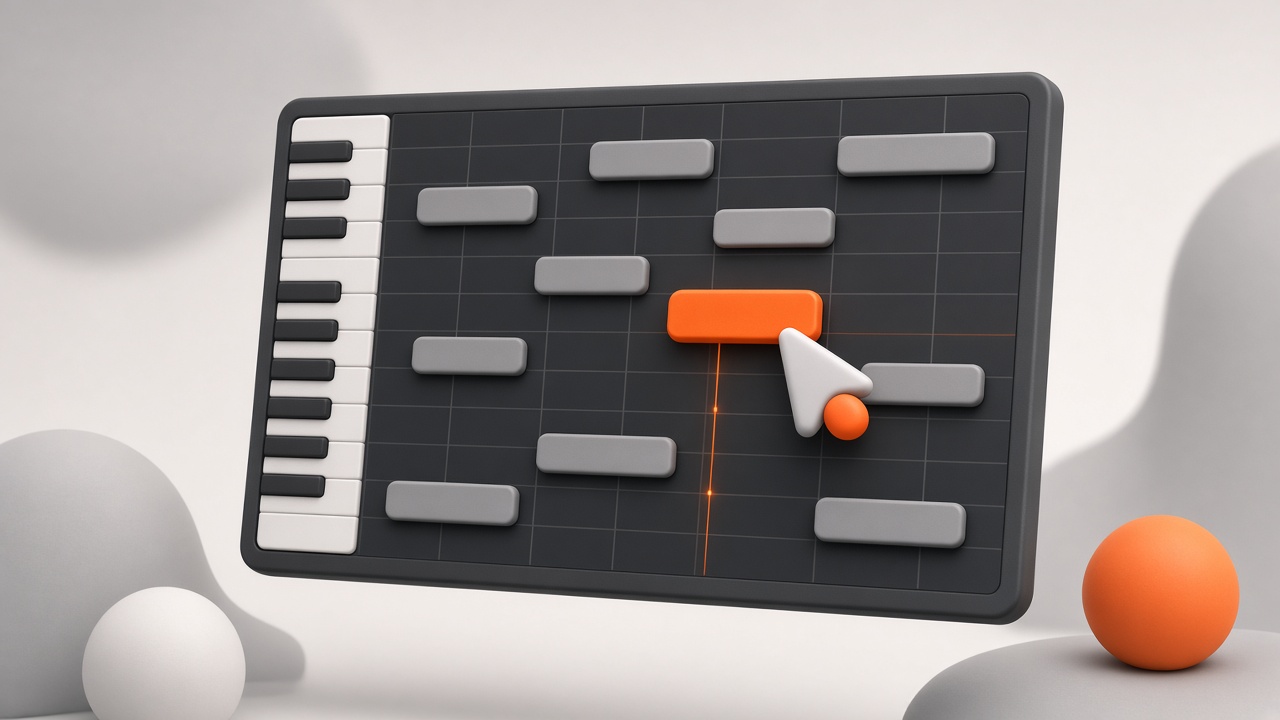
Drag a note to move it, drag its right edge to change length, or select it and use the fields below.

Download
Step 3

Download

Undo if needed, play the result, and download a Standard MIDI file for your DAW.

Example Output

BPM & Key Detection

Input

sample-track.mp3

3.2 MB · MP3 · 0:45

Output

128BPM
A Minor

Chord Progression

AmFCGAm

847 notes detected

Confidence94%

MP3 to MIDI

Input

guitar-riff.wav

5.1 MB · WAV · 0:32

Output

64 notes

C4–G5 · 0:32 · Type 0 MIDI

Confidence91%

Chord Detection

Input

rehearsal.m4a

2.4 MB · M4A · 1:12

Output

Chord Progression

DmGCAmFGC

C Major

7 chords · 1:12

Confidence88%

Stem Splitter

Input

full-mix.wav

18.6 MB · WAV · 2:08

Output

Vocals86%
Drums74%
Bass62%
Guitar58%
Piano44%
Other70%

6 isolated stems ready for real-time preview, solo playback, and high-fidelity export.

Audio to Sheet Music

Input

piano-etude.wav

4.8 MB · WAV · 0:58

Output

MusicXML · 24 bars · treble & bass

Confidence90%

MIDI to Audio

Input

melody.mid

12 KB · MIDI · 0:41

Output

WAV render

Piano · 44.1 kHz · 0:41

Confidence96%

Notes from Users

“I fix a few wrong pitches after conversion and drop the MIDI straight into Ableton.”

Lena P.

Lena P.

Producer

“Students can clean a transcribed melody without installing a DAW.”

Omar K.

Omar K.

Teacher

“Undo is enough for quick timing tweaks before I export to MuseScore.”

Hana S.

Hana S.

Singer-songwriter

Edit MIDI files in the browser

Edit MIDI files in the browser

This MIDI editor lets you correct notes from an audio-to-MIDI conversion or from a file you already have. Each note stores pitch, start time, duration, velocity, track, and channel. Changing a field rewrites the matching note-on and note-off events so the exported file stays a Standard MIDI file.
Edit MIDI files in the browser

The piano roll shows the current track filter. Selected notes highlight in ember. Playback uses a simple synth so you can hear timing before you download. Edits are kept in this tab with undo history; they are not saved to an account.

Edit MIDI files in the browser

Overlapping notes on the same pitch and channel are rejected because Standard MIDI cannot hold two of those events at once. Dense piano writing may need several small edits. For engraving, download the MIDI and open it in the Audio to Sheet Music or MIDI to Sheet Music tools.

Frequently Asked Questions

Can I edit MIDI notes after converting MP3 to MIDI?

Yes. On the converter, choose Edit these notes. The MIDI file opens here so you can change pitch, start time, duration, and velocity, then download the edited Standard MIDI file.

Does the MIDI editor upload my file?

No. Editing stays in this browser tab. Converted MIDI is handed off with session storage for 15 minutes and is not sent to a server.

What MIDI formats can I open?

Standard MIDI Type 0 and Type 1 files with a .mid or .midi extension, up to 50 MB and 10 minutes long.

How do I change a note?

Drag a note to move it. Drag its right edge to change its length. For small notes or a touch screen, select the note and use the fields below, then Apply change.

Can I undo a change?

Yes. Undo and Redo keep up to 50 edits in this tab until you load another file or close the page.

Will overlapping notes save?

Notes on the same pitch, track, and channel cannot overlap. Change the timing or pitch before Apply.

Can I play the MIDI while editing?

Yes. Play MIDI previews the current notes. Starting an edit stops playback so the piano roll stays in sync.

Where do I download the result?

Use Download MIDI. The file is a Standard MIDI file you can open in a DAW, notation app, or convert to sheet music.

Need MIDI first?

Convert an audio file, then choose Edit these notes to open it here.

Convert MP3 to MIDI
MIDI Editor Online Free | Edit MIDI Notes | mp3tomidi