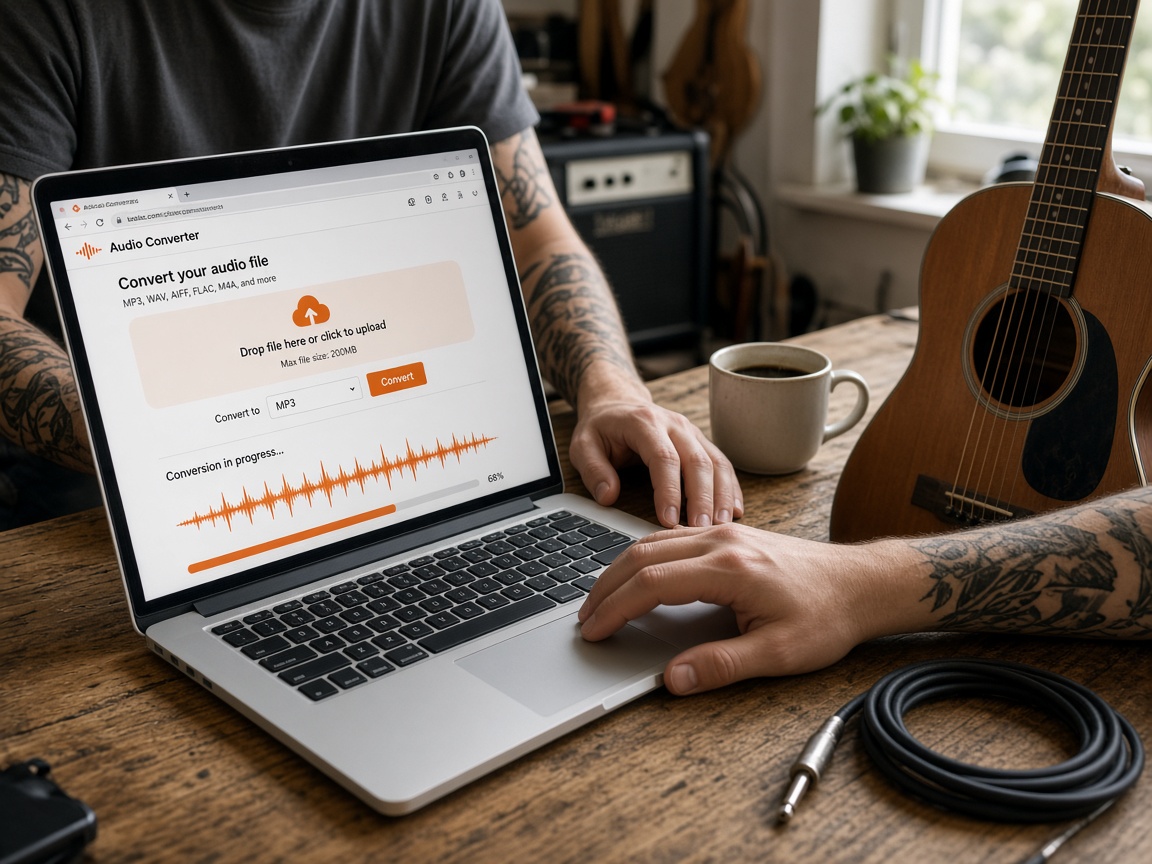
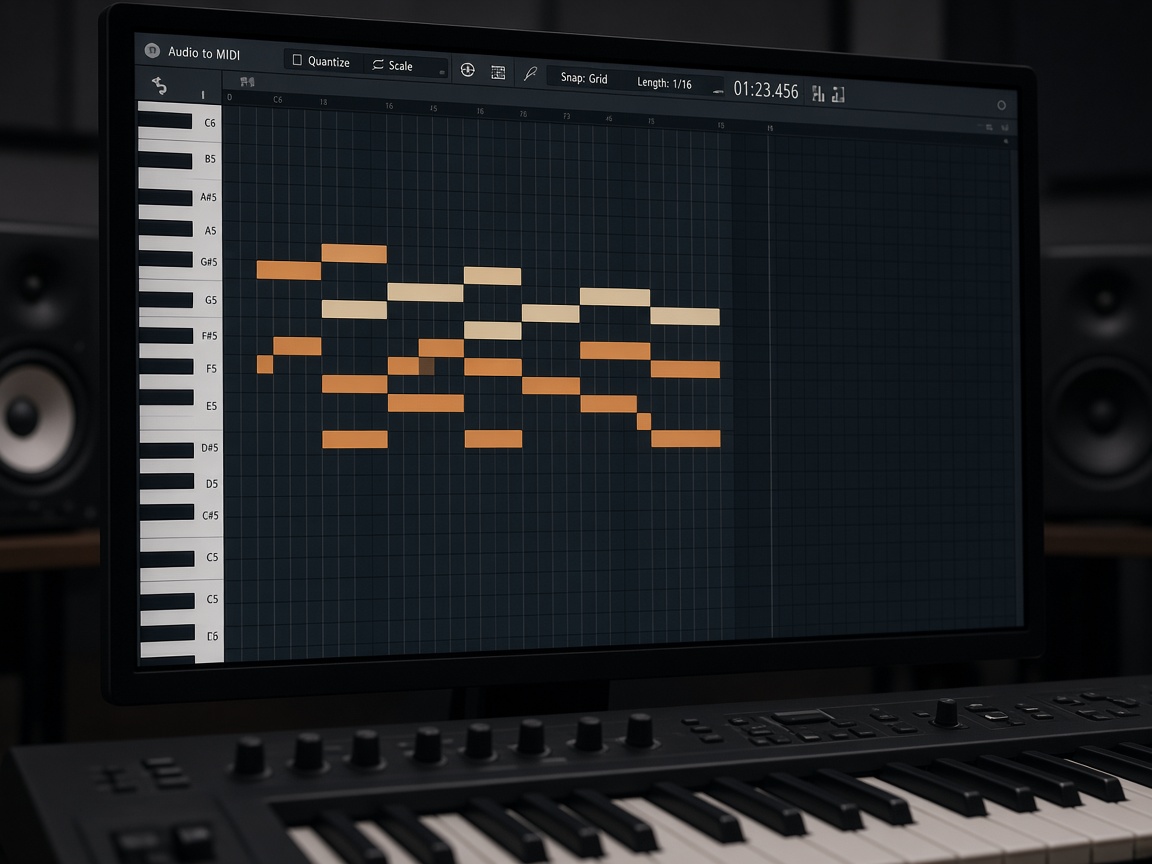
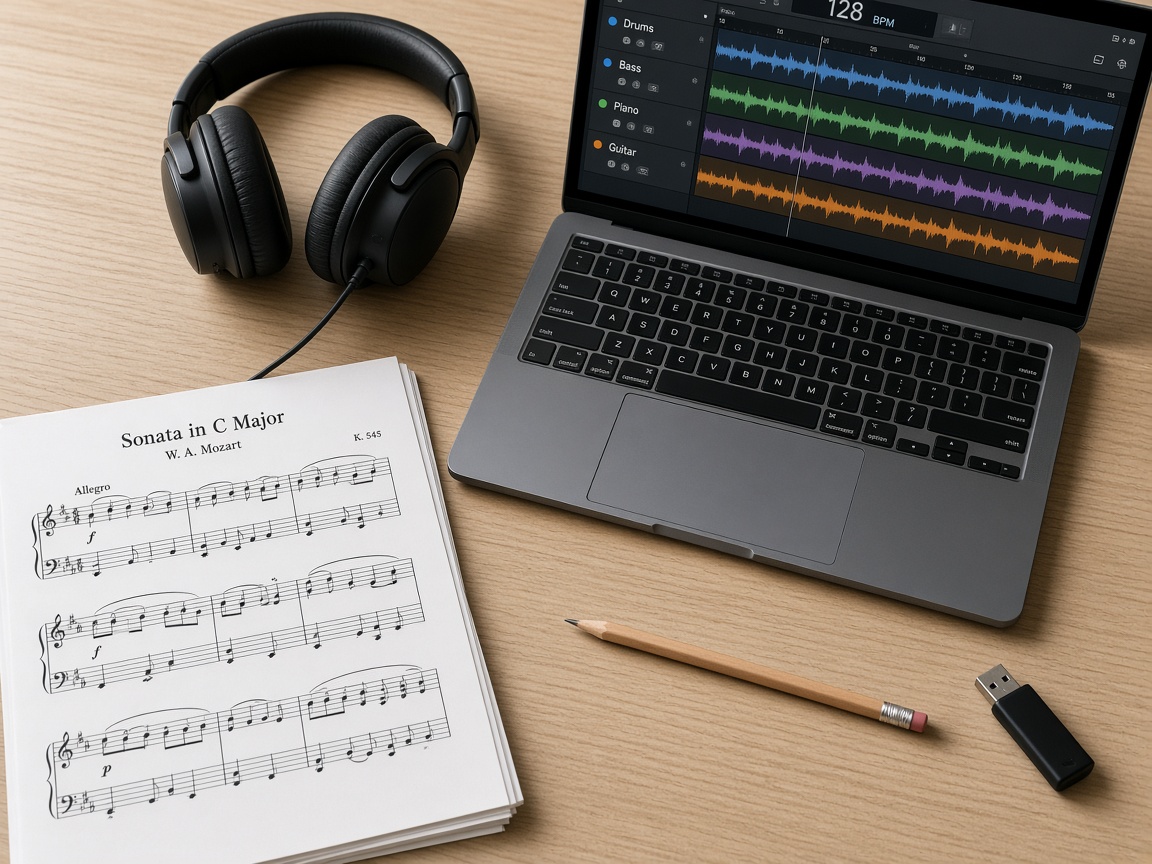
Transform any audio file into editable MIDI notes with AI. No login, free to use — BPM detection, chord recognition, and stem separation run in your browser.
All audio is processed directly within your browser with no uploads or account needed.An on-device transcription model downloads on your first visit.
Clean recordings of solo instruments like piano or guitar yield the best results.Complex, dense arrangements may lead to ghost notes or missed notes.
MIDI saves musical note data rather than raw audio, and the transcription is an estimate—please verify pitch, rhythm, and note length.Playback preview uses a basic synthesizer sound.
Download MIDI
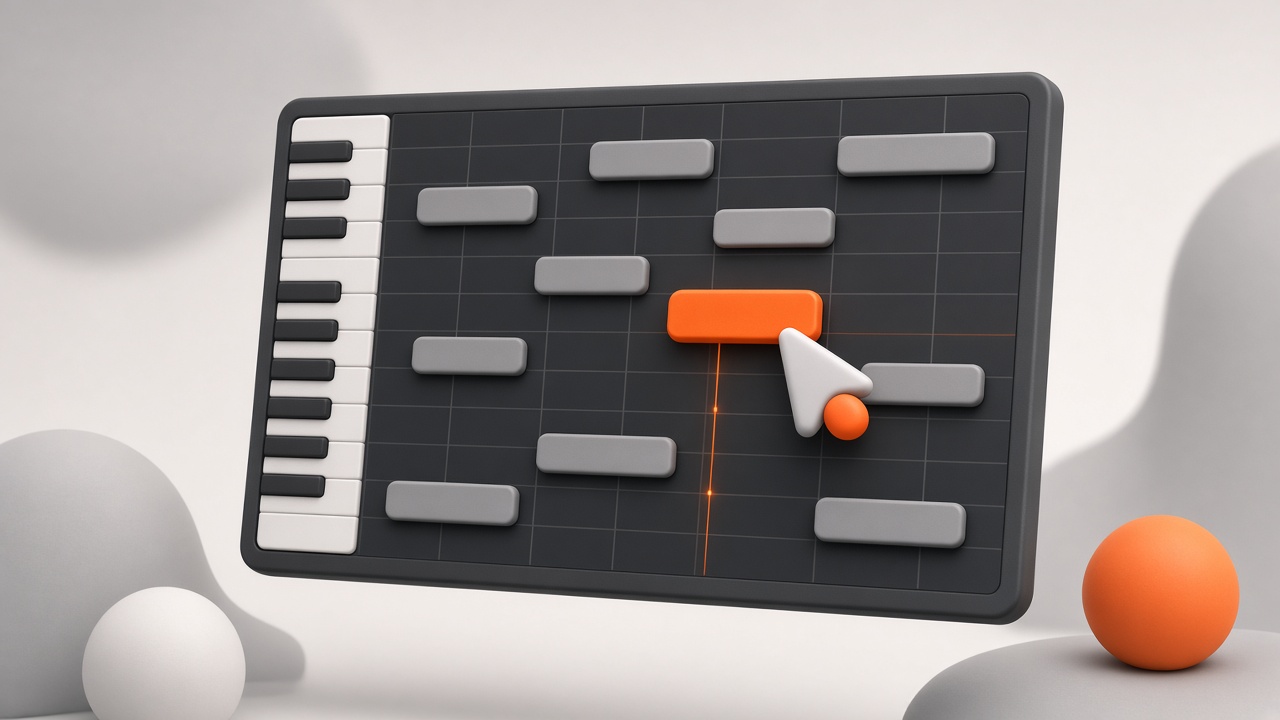
Edit these notes
Play MIDI
Transcribed notes
Notes
No notes yet
Add a recording and the transcribed notes appear here, ready to preview.
Audio Tools
Powerful browser-based tools for musicians, producers, and creators.
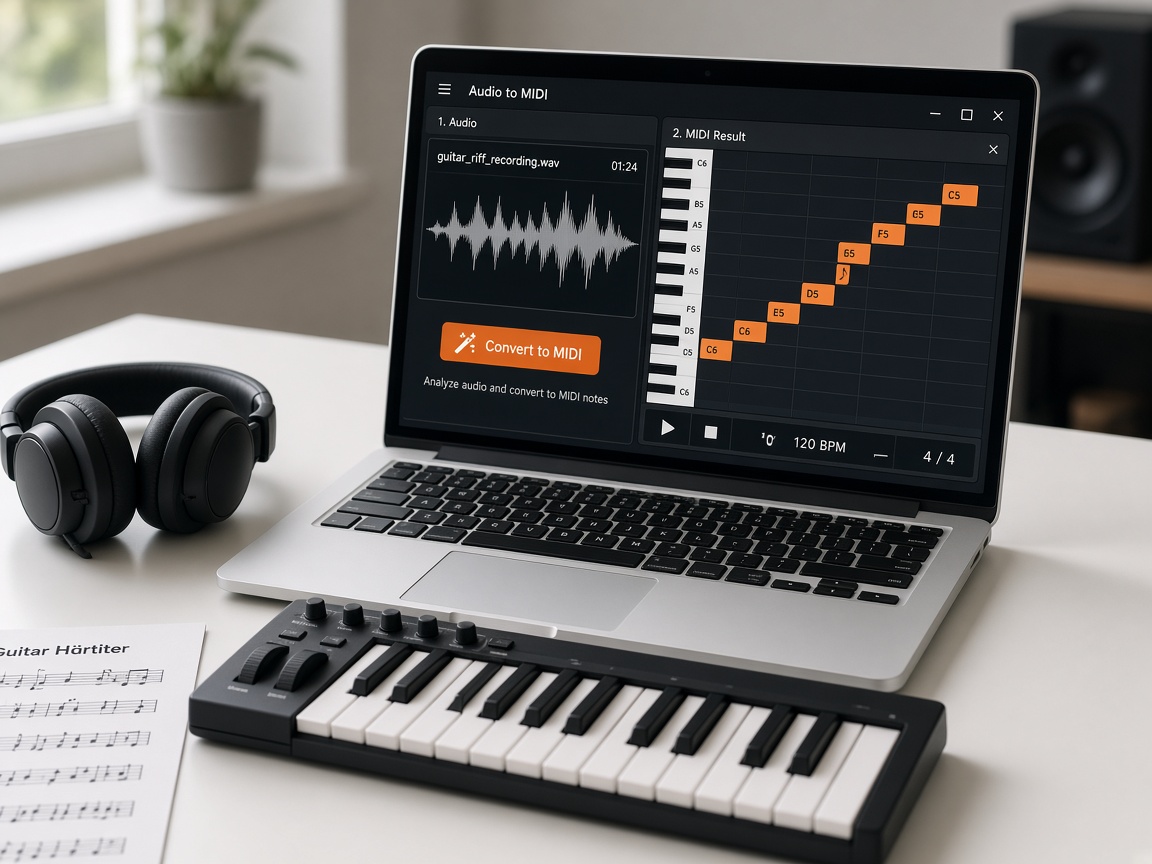
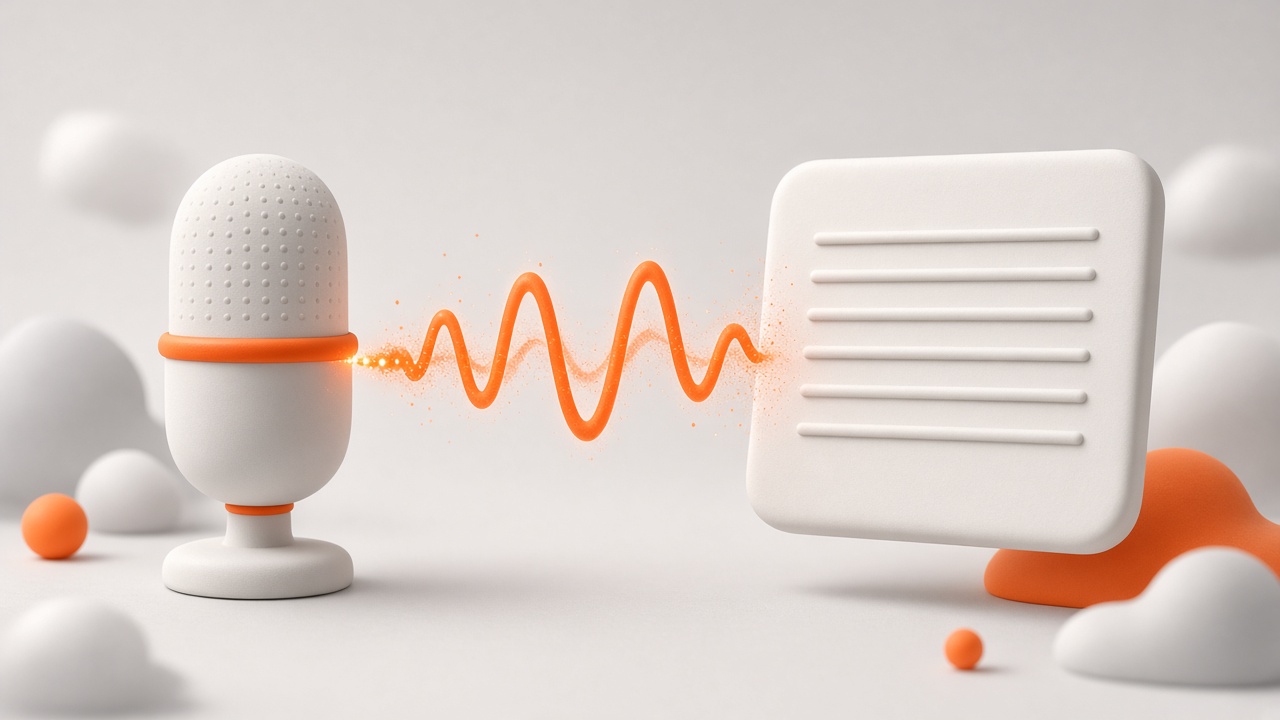
MP3 to MIDI conversion analyzes audio files and extracts musical notes, timing, and velocity into standard MIDI format. Unlike MP3 or WAV files that store sound waves, MIDI files contain musical instructions — which notes to play, when, and how loud. This makes them fully editable in any digital audio workstation.
Our converter uses Spotify's Basic Pitch neural network to detect pitch, onset, and velocity from any audio source — vocals, guitar, piano, or full mix. The conversion runs entirely in your browser using TensorFlow.js, so your files never leave your device.
Whether you need an AI MIDI converter for vocal melodies, piano recordings, or full mixes, our audio to MIDI tool delivers accurate results.
Audio Analysis Tools
Modern audio analysis relies on digital signal processing techniques like Fast Fourier Transform (FFT), chroma feature extraction, and onset detection. These algorithms decompose audio into frequency components to identify tempo, key, chords, and more.
Beyond audio transcription, mp3tomidi.art provides a suite of browser-based audio analysis utilities. The Stem Splitter runs an open-source 6-stem HT-Demucs model entirely on your device to isolate vocals, drums, bass, guitar, piano, and other instruments without uploading your audio. The BPM & Key Finder calculates tempo and musical key directly through client-side Web Audio, while the Chord Detection tool analyzes harmonic sequences in real time, keeping your audio strictly private.
Complete Music Toolkit
From audio recording to finished production, mp3tomidi covers every step. Convert audio to MIDI for editing, detect BPM and key for beatmatching, identify chord progressions for transcription, separate stems for remixing, render MIDI to audio with different instruments, and generate printable sheet music.
All tools work in your browser with no software installation. Free forever for core features.
See It In Action
Upload any audio file and instantly see BPM, key, chord progression, and detected notes. Our bpm finder and audio separator tools work together to give you a complete analysis in seconds.
BPM & Key Detection
Input
sample-track.mp3
3.2 MB · MP3 · 0:45
Output
128BPM
A Minor
Chord Progression
AmFCGAm
847 notes detected
Confidence94%
MP3 to MIDI
Input
guitar-riff.wav
5.1 MB · WAV · 0:32
Output
64 notes
C4–G5 · 0:32 · Type 0 MIDI
Confidence91%
Chord Detection
Input
rehearsal.m4a
2.4 MB · M4A · 1:12
Output
Chord Progression
DmGCAmFGC
C Major
7 chords · 1:12
Confidence88%
Stem Splitter
Input
full-mix.wav
18.6 MB · WAV · 2:08
Output
Vocals86%
Drums74%
Bass62%
Guitar58%
Piano44%
Other70%
6 isolated stems ready for real-time preview, solo playback, and high-fidelity export.
Audio to Sheet Music
Input
piano-etude.wav
4.8 MB · WAV · 0:58
Output
MusicXML · 24 bars · treble & bass
Confidence90%
MIDI to Audio
Input
melody.mid
12 KB · MIDI · 0:41
Output
WAV render
Piano · 44.1 kHz · 0:41
Confidence96%
Why Choose mp3tomidi?
Built for privacy, speed, and accuracy.
100% Browser-Based
Your audio never leaves your device. All processing happens locally.
No Login Required
Open the page and convert. No account, no signup, no wait.
Instant Results
Get BPM, key, and chord results in seconds, not minutes.
Multiple Formats
Supports MP3, WAV, OGG, FLAC, M4A, AAC, and WebM.
Professional Accuracy
Algorithms tuned for accuracy comparable to professional tools.
Free to Use
Convert, detect, and export without paying or creating an account.
What musicians say
“I dropped a track in on the train, no account, no install. BPM was ready before the next stop. Free and fast is exactly what I needed before a gig.”
Sarah M.
DJ & Producer, Berlin
“I converted a guitar sketch to MIDI without signing up. Opened the page, uploaded, edited the notes, done. That no-login flow is the whole reason I keep using it.”
Mike C.
Music Producer, Los Angeles
“My students can run chord detection in class on their own laptops. Nobody creates an account. It is free, private, and they see the progression in seconds.”
Lisa P.
Music Educator, London
“I needed MIDI for a game loop and did not want another SaaS login. This site just converts. I downloaded the file and kept working.”
Tom H.
Game Developer, San Francisco
“Stem split without a paywall is rare. I opened the tool, dropped a mix, pulled vocals, and started the remix. No signup wall in the way.”
DJ Pulse
Remixer, Amsterdam
“I record piano, get sheet music, and never make an account. MusicXML opens in MuseScore. For a free browser tool, that is the whole workflow I wanted.”
Maria S.
Piano Student, São Paulo
About mp3tomidi
mp3tomidi was built by musicians, for musicians. We believe that powerful audio tools should be accessible to everyone — not locked behind expensive software licenses or cloud subscriptions. That's why every tool on this site runs entirely in your browser, using cutting-edge web technologies like the Web Audio API, TensorFlow.js, and WebAssembly.
Our core conversion engine uses Spotify's open-source Basic Pitch model, a neural network trained on thousands of hours of music to accurately detect pitch, timing, and dynamics. Combined with our custom post-processing pipeline (quantization, noise filtering, overlap merging), you get MIDI output that's ready for professional use in any DAW.
Privacy is not optional — it's foundational. Your audio files are never uploaded to our servers. All analysis, conversion, and processing happens locally in your browser. We don't track what you upload, we don't store your audio, and we don't use your data for model training. What happens in your browser stays in your browser.
Whether you're converting a vocal melody to MIDI, detecting the key of a reference track, splitting a song into stems for remixing, or generating sheet music from a performance — mp3tomidi is your free, privacy-first music toolkit.
Frequently Asked Questions
What is MP3 to MIDI conversion?
MP3 to MIDI conversion analyzes an audio file and extracts the musical notes, timing, and dynamics into the standard MIDI format. Unlike audio files that store sound waves, MIDI files store editable musical instructions — making it easy to change notes, tempo, and instrument sounds in any digital audio workstation.
Is mp3tomidi really free?
Yes. All core tools including BPM detection, key detection, chord analysis, and MP3 to MIDI conversion are completely free to use. No signup, no credit card, no hidden fees. No signup or account creation is needed. Just visit any tool page — whether it's the BPM finder, chord detector, stem splitter, or MIDI to sheet music converter — and start using it immediately.
What audio formats are supported?
mp3tomidi supports MP3, WAV, OGG, FLAC, M4A, AAC, and WebM audio files up to 50 MB. Simply drag and drop or click to upload — no conversion needed before analysis. The converted MIDI files are compatible with all major DAWs including GarageBand, Ableton Live, FL Studio, and Logic Pro.
How accurate is the BPM detection?
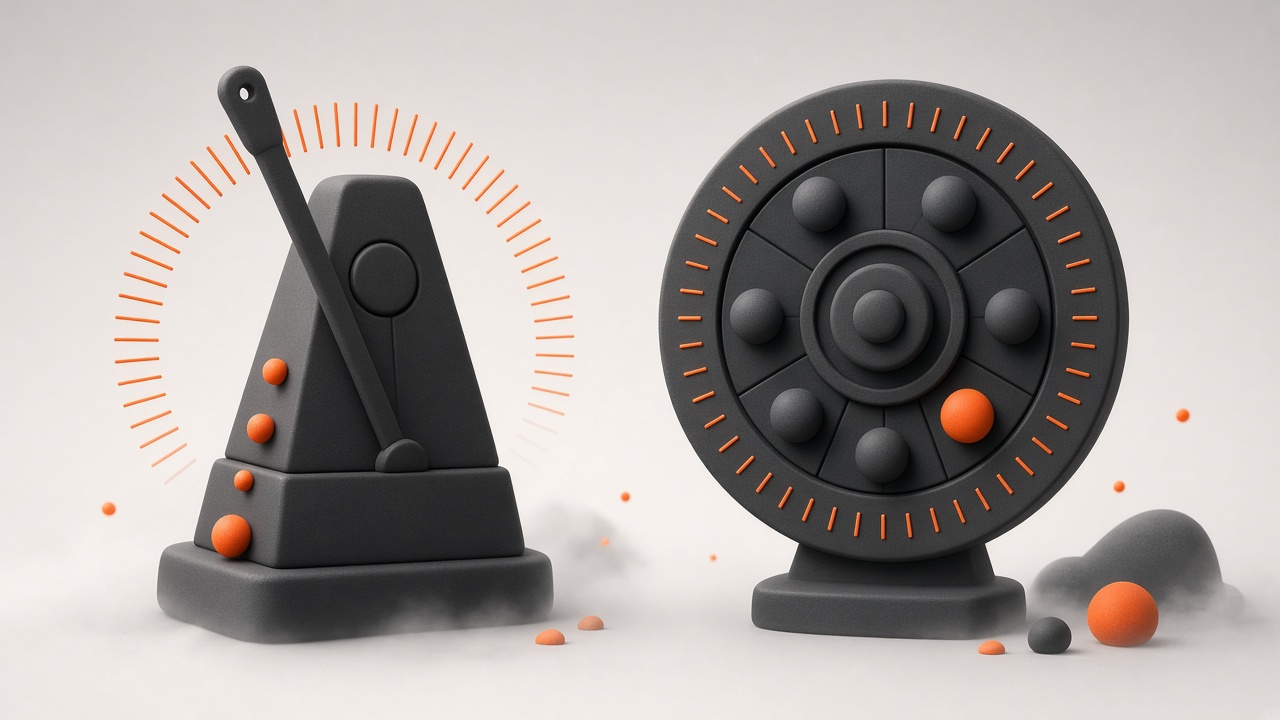
Our BPM detection is accurate within 1–2 BPM for tracks with a steady tempo. Each result includes a confidence score so you know how reliable the reading is. Complex or tempo-changing tracks may show lower confidence values.
Is my audio uploaded to a server?
No. Core tools on mp3tomidi.art—including the MP3 to MIDI converter, BPM and Key finder, Chord detector, and the 6-stem Splitter—process audio locally in your browser. The HT-Demucs stem separation model downloads directly to your device cache, meaning your files are never transmitted or stored on an external server.
Can I use the output in GarageBand or Ableton?
Yes. All MIDI files are exported as standard MIDI Type 0, which is compatible with every major DAW including GarageBand, Ableton Live, Logic Pro, FL Studio, and more.
Do I need to install anything?
No installation required. mp3tomidi works entirely in your web browser — Chrome, Firefox, Safari, and Edge are all supported. Just visit the site and start using the tools.
How does this compare to desktop software?
mp3tomidi delivers accuracy comparable to desktop alternatives at zero cost, with no installation required. The key advantage is complete privacy — your audio never leaves your device — plus instant access from any browser on any operating system.
MP3 to MIDI | BPM & Key Detection | Chord Finder | Stem Splitter - Free Online Tools